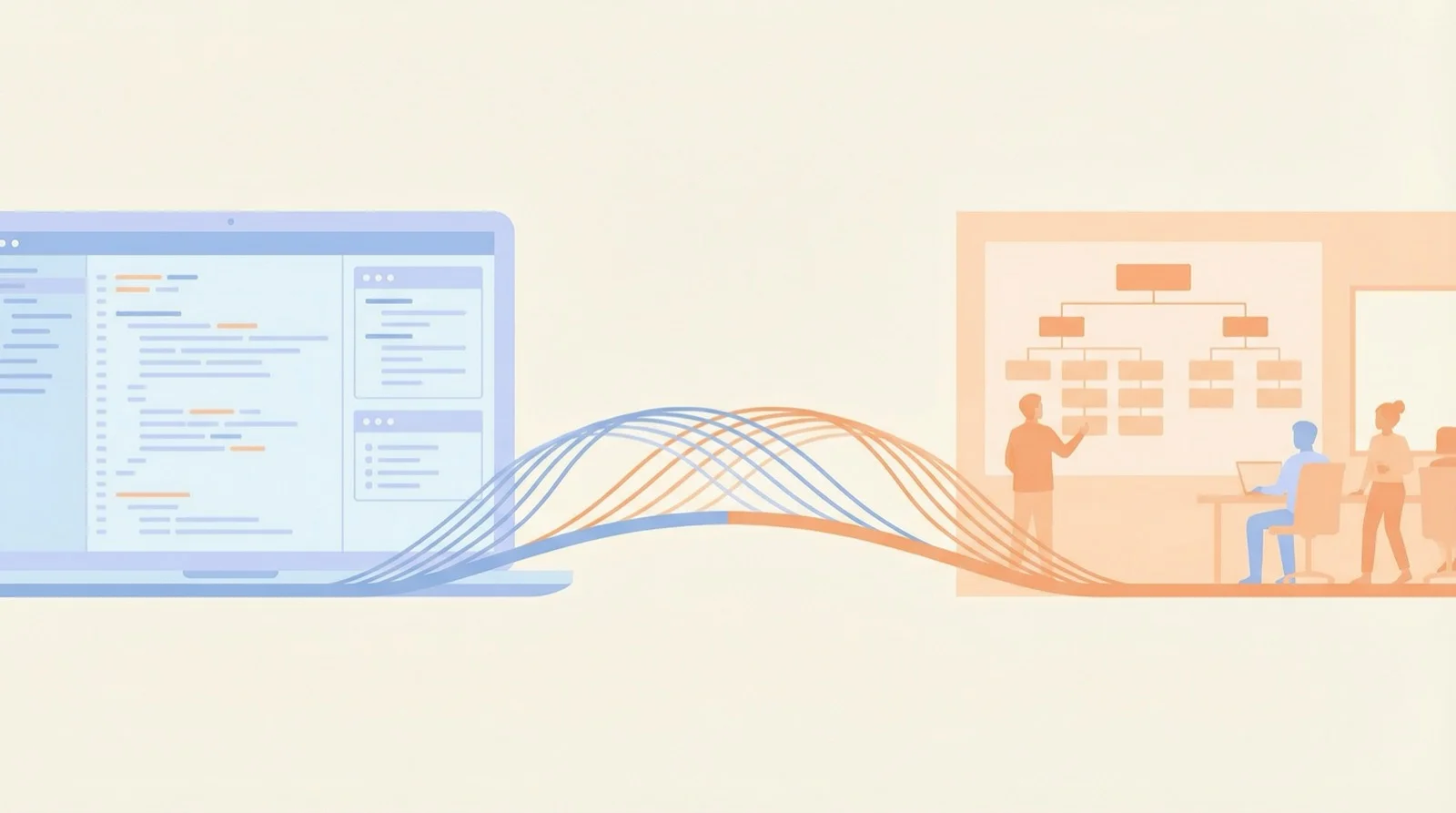
In my last post, I talked about a pattern I kept seeing: people spinning up 4 workspaces before they’d done anything with one.
After writing that, I realized this isn’t just an OpenClaw thing.
Every OpenClaw config concept maps to a management principle.
Understanding these mappings helps you use OpenClaw better—and might change how you think about management itself.
The Mapping Table
Let me just show you:
OpenClaw → Management
- Workspace → Department (where are the boundaries?)
- Agent → Employee (generalist or specialist?)
- Skill → Training (train or hire?)
- Memory → Knowledge base (what’s worth remembering?)
- Context Window → Cognitive load (how much info is too much?)
- Cron → Process automation (what should run itself?)
- Handoff → Handover protocols (how do you prevent mistakes?)
Let’s go through each one.
Workspace = Department
I covered this in the last post. The core question comes from Coase:
Where should the boundary be?
Answer: when internal coordination cost equals external transaction cost.
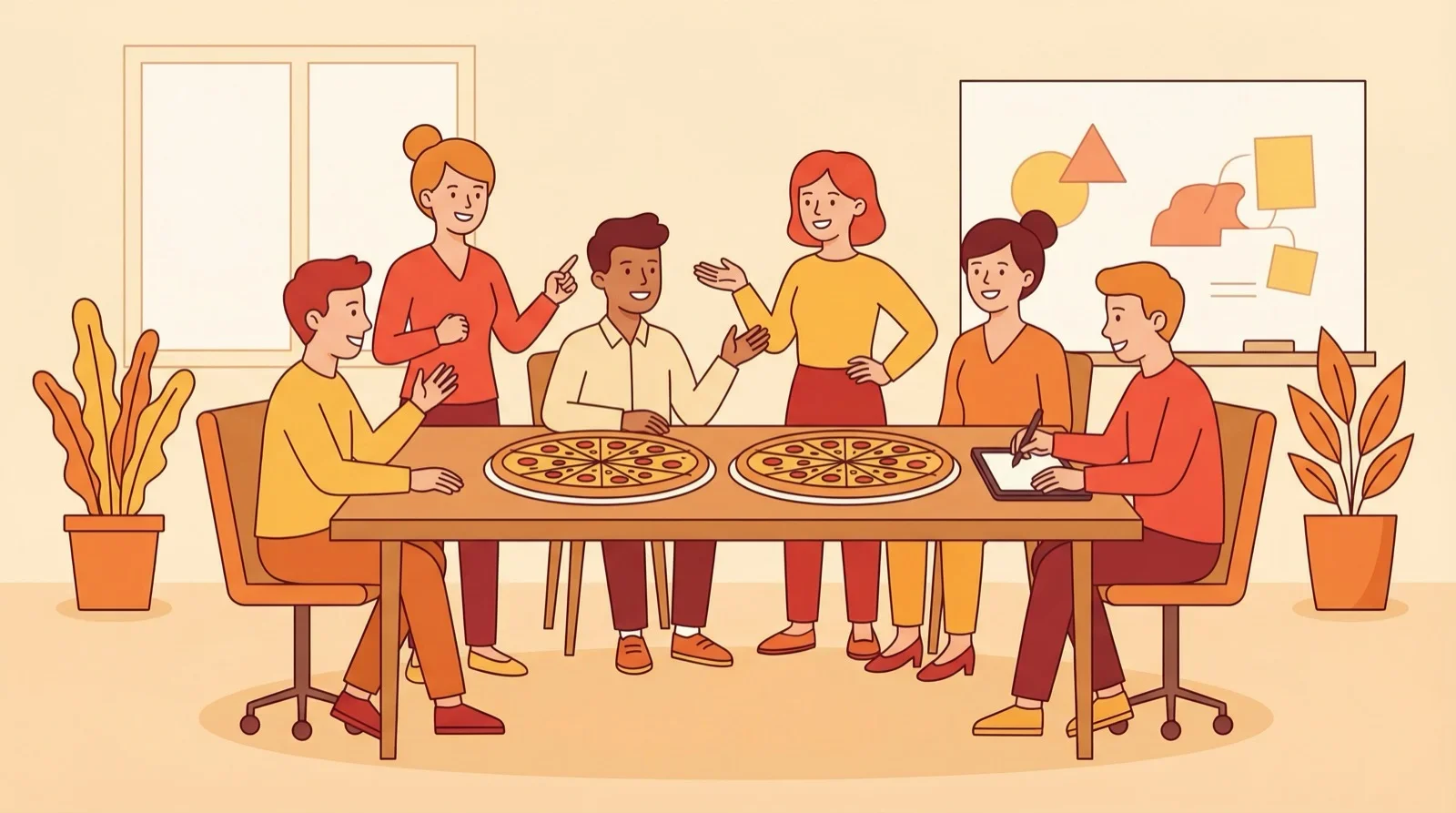
Jeff Bezos has his famous “Two-Pizza Rule”: a team should be small enough that two pizzas can feed it—roughly 5-10 people.
Why? Because as teams grow, communication paths explode. A 10-person team has 45 communication paths. A 20-person team has 190. Coordination overhead eats into whatever gains you got from specialization.
Amazon structured itself as “a fleet of small teams” rather than one giant bureaucracy. Each Two-Pizza Team has clear boundaries, makes its own decisions, minimizes cross-team coordination.
In OpenClaw terms:
- Benefits of splitting > coordination cost → split
- Benefits of splitting < coordination cost → don’t split
Most people’s problem is splitting too early. No bottleneck yet, but already setting up multiple workspaces.
It’s like a 5-person startup rushing to create departments, define processes, and implement OKRs.
The result: coordination overhead exceeds output.
Skill vs Agent = Training vs Hiring
This is a real management question:
When you need a new capability, do you train existing people or hire someone new?
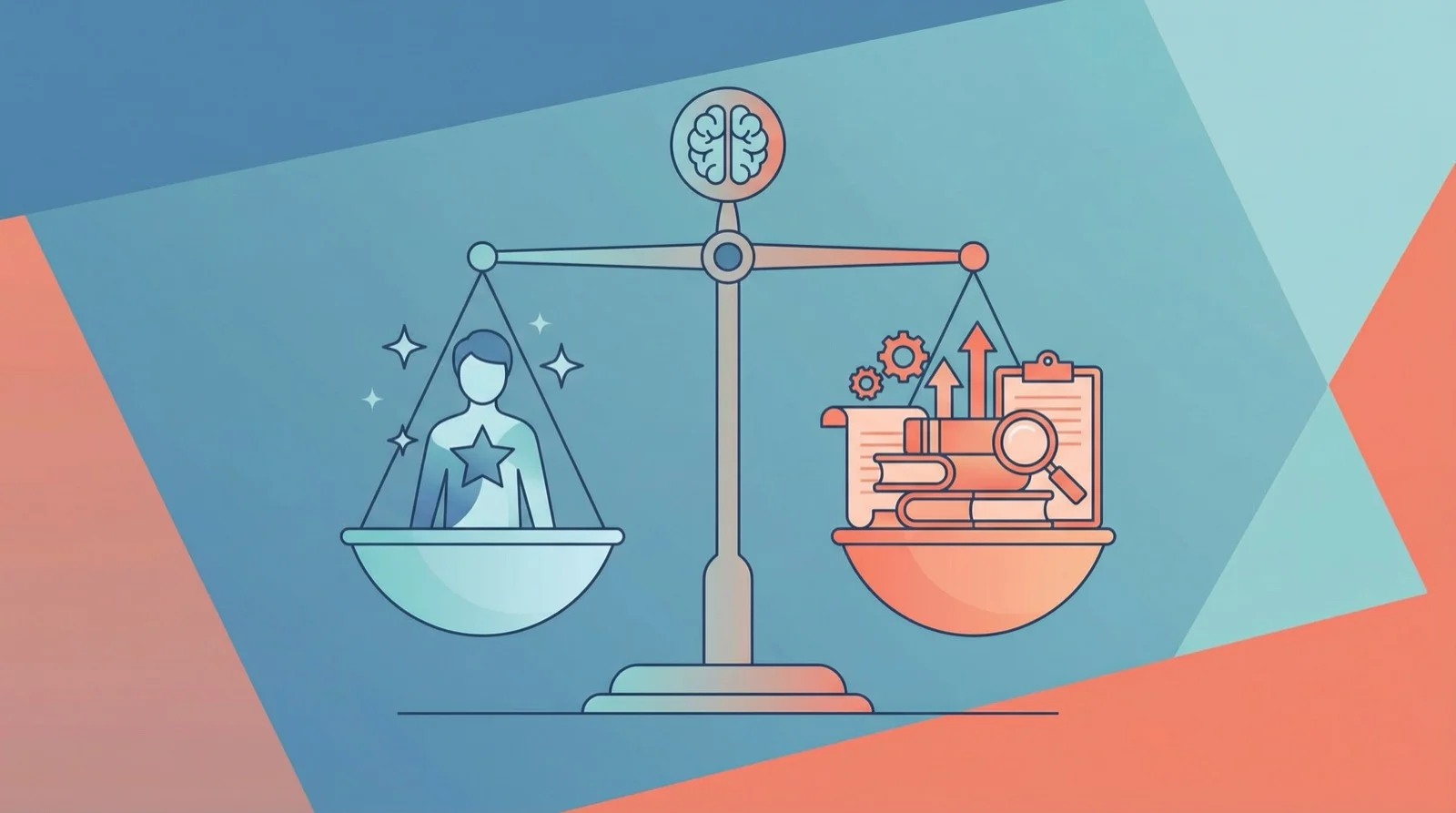
Netflix’s culture deck has a famous line:
“Adequate performance gets a generous severance package.”
Sounds brutal, but the logic is: Netflix doesn’t believe training can turn B-players into A-players. They’d rather spend energy finding the right people than trying to change the wrong ones.
They also have the “Keeper Test”: if an employee said they were leaving, would you fight hard to keep them? If not, let them go now.
In OpenClaw:
- Adding a Skill to an existing Agent = training
- Creating a new Agent = hiring
When to “train” (add Skills):
- New capability relates to existing work
- Doesn’t need separate context
- One agent can handle the load
When to “hire” (new Agent):
- Need parallel processing
- Need hard isolation (different permissions)
- Single agent’s cognitive load is maxed out
Most of the time, adding a Skill costs less than creating a new Agent.
But if you’ve added a dozen Skills and the agent still can’t perform, maybe the problem isn’t Skills—maybe that task needs a dedicated Agent.
That’s the Netflix logic: get the person right first, then worry about capability expansion.
Memory = Knowledge Management
Companies have all kinds of knowledge: core values, product docs, meeting notes, project details…
The question: what goes in the global knowledge base? What stays in project docs? What shouldn’t be recorded at all?
OpenClaw’s Memory hierarchy offers a useful framework:
Memory Layer → Company Knowledge
- MEMORY.md → Core values, long-term strategy (rarely changes, everyone needs it)
- memory/daily → Meeting notes, daily logs (time-sensitive, expires fast)
- PROJECT.md → Project docs (relevant to project team, not others)
- Skill → SOPs, operation manuals (loaded when executing, doesn’t clutter the brain otherwise)
Core principles:
- Not everything belongs in global. Humans can’t remember everything, and neither can agents.
- Being able to find it is enough. It doesn’t have to be in your head—just in the right place with good indexing.
- Clean up what’s expired. Otherwise noise drowns out signal.
This is why “memory layering” will be the next post in this series.
Context Window = Cognitive Load
This concept is seriously underrated.
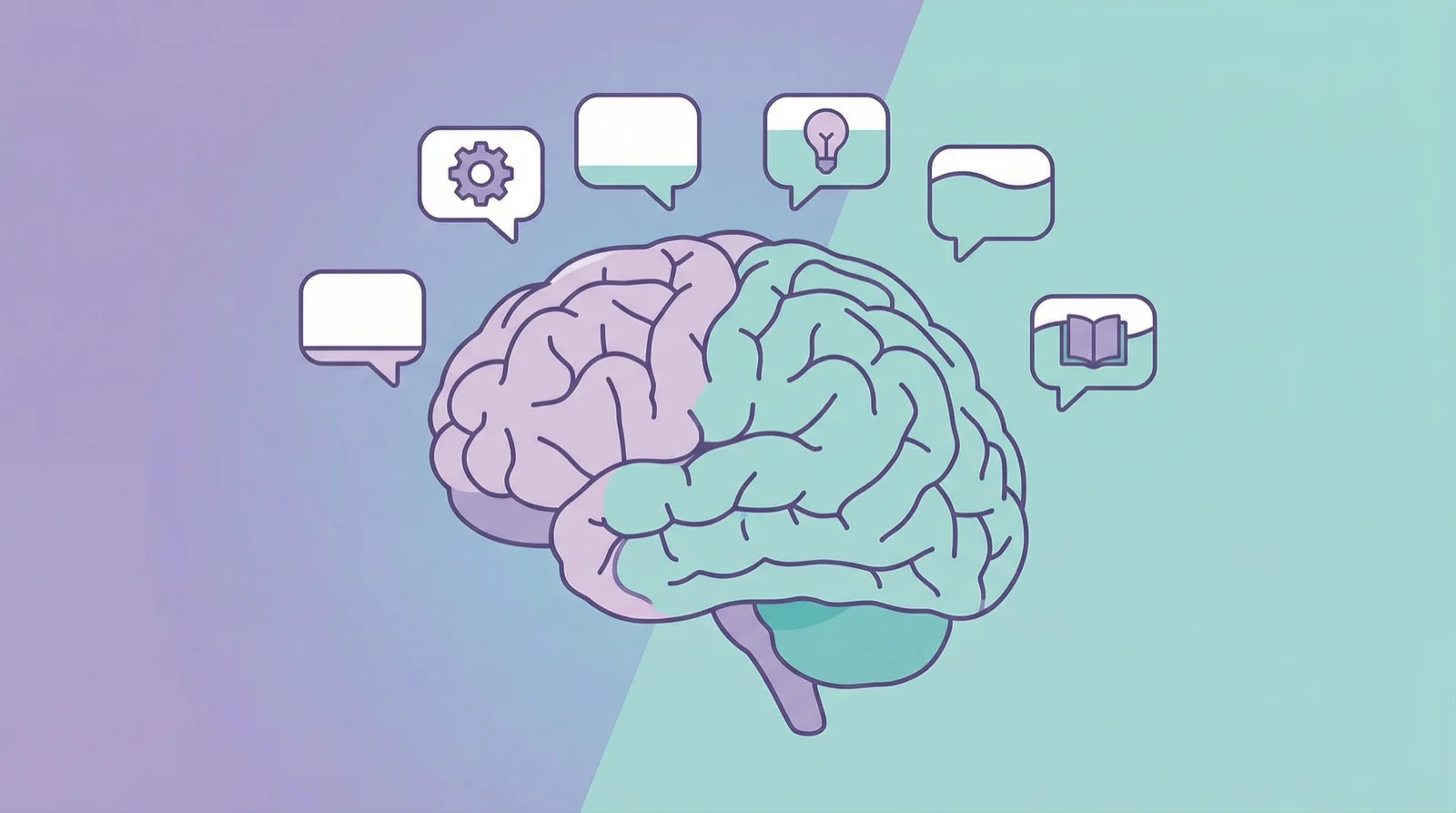
In 1956, psychologist George Miller published a famous paper: “The Magical Number Seven, Plus or Minus Two.” He found that human working memory can only handle about 7 “chunks” of information at once. Later research suggests the real number might be closer to 4.
This is why meetings with too many people go nowhere, and emails CC’d to everyone get ignored.
OpenClaw’s Context Window has limits too. Stuff too much in, and the agent gets confused.
Too much information means nothing gets through.
OpenClaw’s approach is “progressive loading”:
- First load the Skill’s description (a few dozen words)
- If needed, load the SKILL.md (a few hundred lines)
- If more detail needed, load references/ (even more)
This is the “need to know” principle:
- Start with summary
- Expand when needed
- Don’t load what’s not needed
Cron = Process Automation
What should be automated? What should stay manual?
Every manager has to answer this.
Good for automation:
- High repetition (same thing every day)
- Clear rules (no gray areas)
- Low error cost (mistakes can be fixed)
Bad for automation:
- Requires judgment (depends on context)
- Lots of exceptions (always surprises)
- High error cost (mistakes are expensive)
OpenClaw’s Cron follows this logic:
Good for automation:
- ✅ Daily weather briefing (clear rules, mistakes don’t matter)
- ✅ Scheduled backups (repetitive, must be reliable)
Bad for automation:
- ❌ Publishing articles (needs human review, mistakes are costly)
- ❌ Customer replies (requires judgment, situations vary)
Automation isn’t the goal. Eliminating unnecessary manual work is.
Handoff = Handover
This is where multi-agent (multi-person collaboration) breaks down most often.
As I mentioned in the last post: handoffs are where errors multiply.
Why?
- Information loss (A knows things B doesn’t)
- Format mismatch (A sends JSON, B expects Markdown)
- Different assumptions (A assumes B knows, B assumes A will explain)
The solution is making handoffs explicit:
Handoff checklist: Every handoff clearly specifies output format, context, completion criteria
Three logs:
- Action log: what was done
- Rejection log: why something wasn’t done
- Handoff log: who received what
This applies to companies too:
- Project handoffs need documentation
- Offboarding needs checklists
- Cross-team collaboration needs clear interfaces
“I thought you knew” is the #1 killer of collaboration.
A Unified View
Looking back at this mapping table, a common theme emerges:
Management is fundamentally about coordination under limited resources.
Resource → OpenClaw → Company
- Attention → Context Window → Employee cognitive load
- Budget → Token / API cost → Labor / time cost
- Coordination cost → Multi-agent communication → Cross-department meetings
OpenClaw forces you to think about these questions:
- Do I really need this Workspace? (department boundaries)
- Add a Skill or create a new Agent? (train or hire)
- What goes in Memory? (knowledge management)
- How much fits in Context? (information overload)
- What should be automated? (process design)
- How to handle Handoffs? (collaboration norms)
Your intuition for configuring OpenClaw is your intuition for management.
Closing Thoughts
I’m not saying OpenClaw invented new theory.
I’m saying software design and organization design face the same class of problems:
How do you get multiple entities to collaborate efficiently under limited resources?
In 1937, Coase asked why firms exist. The answer was transaction costs.
In 2026, we’re configuring OpenClaw, facing the same question:
Balancing coordination costs against specialization benefits.
Once you see this layer, you’re not just “configuring software”—you’re “designing organizations.”
Follow “凡人小北” to explore the right way to work with AI Agents.
Previous: “OpenClaw’s ‘Fancy Supplies’ Problem: You Probably Don’t Need 4 Workspaces” Next: “OpenClaw Memory Layering: Your Agent Doesn’t Need to Remember Everything”